NFC and QR Code Menu Cards for Cafés, Bars and Restaurants
Reprinting menus every time a price or dish changes gets old fast. With a TapScanLink NFC and QR menu card, guests tap or scan at the table and your menu opens on their phone. When the menu changes, the card stays the same.
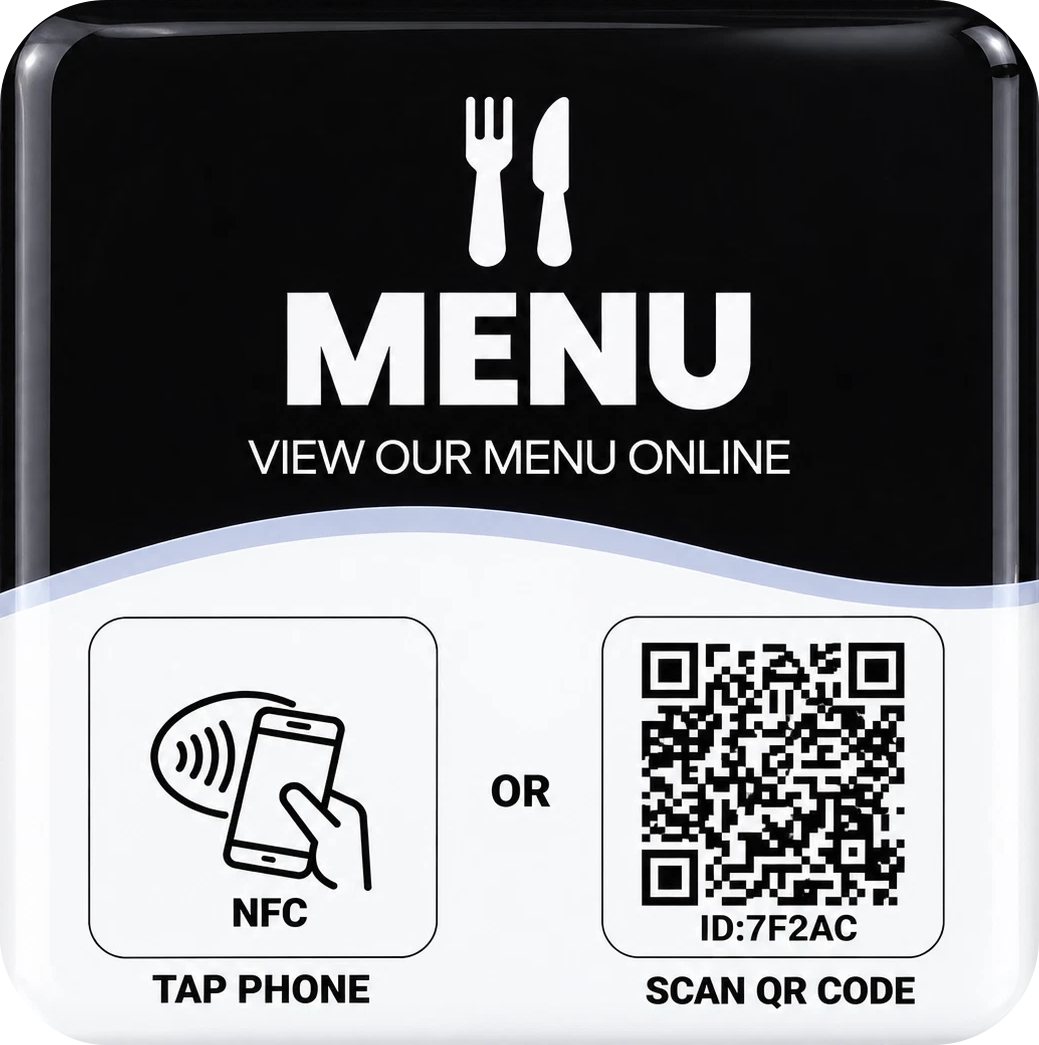
How it works
- Guests tap or scan. An NFC-compatible phone opens the menu with a tap; any phone camera can scan the QR code.
- Your menu opens. It can be a hosted PDF of your current menu, a mobile-friendly digital menu page, or a link to the menu you already have online.
- Update without reprinting. With a managed menu, send us your new PDF and we replace the hosted file – the link on every table stays the same.
See a sample digital menu to experience what your guests would see.
Menu options
- Hosted PDF menu. The simplest option: you supply your menu as a PDF, we host it and connect your cards to it.
- Digital menu page. A mobile-friendly menu page designed for phones – easier to read than a PDF on a small screen. Ask us about menu design.
- Your existing menu. Already have a menu on your website or an ordering platform? We can point the card straight there.
- Menu plus extras. A branded page with buttons for your food menu, drinks list, online ordering, Google reviews and socials.
Online ordering
If you already use a third-party online ordering platform, your menu card can link to it, so guests can browse and order from the same tap or scan. Ordering, payments and kitchen workflows are handled by that platform – TapScanLink doesn't provide its own ordering or payment system. Availability depends on the provider.
Why venues use NFC and QR menus
- Change dishes, prices and specials without reprinting every table menu
- Fewer worn or sticky paper menus at the table
- Faster for guests – they can browse while waiting for staff
- Works day and night – lit screen, no squinting at small print in a dim bar
- Combine with reviews – add a "Review us on Google" button to the same page
Designs
Start from our Digital Menu · Black design or ask about a custom card with your logo and colours. Final design, format and quantities are confirmed in your written quote.
Ongoing service
A hosted or managed menu may involve a recurring service arrangement covering hosting and menu updates. We explain exactly what's included before any work begins – see our hosted services terms.
Pricing
Price on request. Contact us with your venue name, how many tables you have and how you'd like the menu to work, and we'll send a written quote.
Frequently asked questions
Do guests need an app to open the menu?
No. NFC-compatible phones open the menu with a tap, and the QR code works with a normal phone camera.
Can I update the menu without new cards?
Yes, with a managed menu. Send us your updated PDF and we replace the hosted file while the link on the cards stays the same.
Can I keep paper menus as well?
Of course. Many venues offer both – the card is simply a faster option for guests who prefer their phone.
Can the card link to my online ordering?
Yes, if you use a third-party ordering platform that supports it. The platform handles ordering and payment, not TapScanLink.
Do guests need internet access?
Yes. Opening an online menu needs mobile data or Wi-Fi. You can add your Wi-Fi details to a branded menu page if you like.
Can you design the menu itself?
We can discuss menu design or a custom digital menu page as part of your project.
Ready to put your menu on the table?
Tell us about your venue and how you'd like your menu to work. We'll reply with a written quote – price on request.
Ask About Menu Cards →Related