NFC Google Review Cards for Australian Businesses
Your happiest customers are usually the ones who never leave a review. Not because they don't want to, but because finding your business on Google, scrolling to the reviews and tapping "Write a review" is just one step too many. A TapScanLink Google review card removes those steps. One tap or one scan, and your customer is looking at your Google review form.
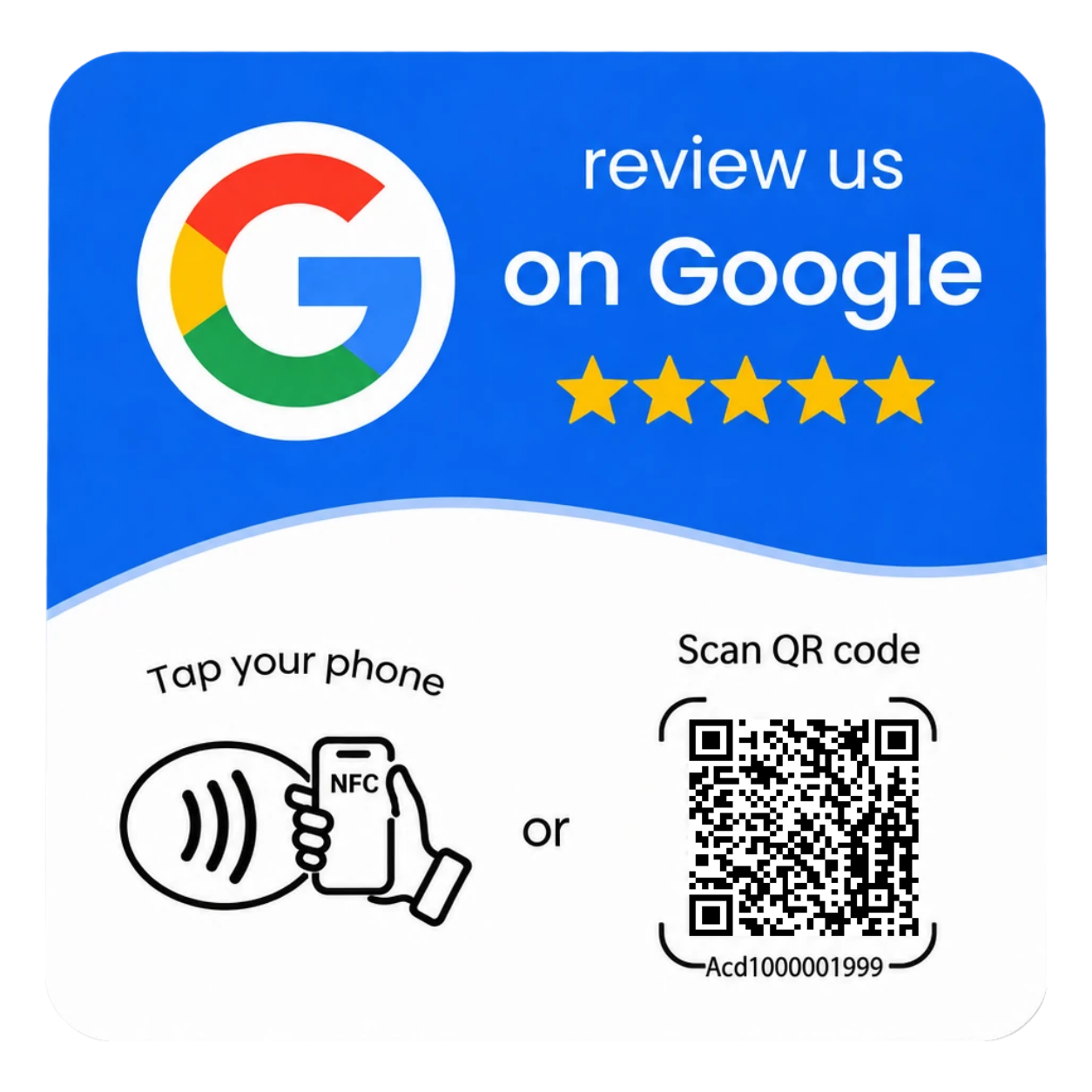
How a Google review card works
- Tap or scan. Your customer holds an NFC-compatible phone near the card, or scans the printed QR code with their camera.
- Your review page opens. The card links straight to your Google review form – no landing page, no searching, no app to download.
- They write their own review. The customer chooses their star rating and their own words. The card simply makes it easy.
NFC and QR on one card
Every card gives customers two ways in. NFC works with compatible iPhone and Android phones – a quick tap is all it takes. The QR code covers everyone else, because almost every phone camera can scan one. Offering both means fewer "it didn't work on my phone" moments at the counter.
Designs that suit your business
Choose from our ready-made Google Reviews designs in white or blue, or ask about a custom design with your logo and colours. Custom branding is quoted for each project, and the final design, materials and quantities are confirmed in your written quote before anything is produced.
Direct link or managed link
- Direct link: the card opens your Google review page and nothing else. Simple, fast, and ideal for most businesses.
- Managed link: the card points to a TapScanLink-managed address, so the destination can be updated later without replacing the card – handy if your business details change or you want to switch the card to a different page. Managed links may involve an ongoing service arrangement, which we explain before you order.
Who uses review cards
- Cafés and restaurants – at the register, on the table or in the bill folder
- Hair and beauty salons – on the reception desk or handed over after an appointment
- Tradies and mobile services – handed to the customer once the job is done
- Accommodation and tours – at check-out or on the tour bus
- Retail shops – beside the EFTPOS terminal
Where to place your card
Put it where customers pause after a good experience: the counter, reception desk, checkout or table. For staff who work on the road, a card in the wallet or toolbox means the review request goes wherever the job does. The best results come when staff mention it: "If you were happy today, you can tap here to leave us a Google review."
Fair and Google-friendly
A review card opens Google's standard review form. It doesn't filter out unhappy customers, offer rewards, or write anything on the customer's behalf – all things Google doesn't allow. It simply makes honest feedback easier to give.
Pricing
Price on request. Pricing depends on design, quantity and whether you choose a direct or managed link. Contact us and we'll send a written quote.
Frequently asked questions
Do customers need an app to use the card?
No. NFC-compatible phones open the link without an app, and the QR code can be scanned with a normal phone camera.
Does the card work with iPhone and Android?
Yes. Tap with an NFC-compatible iPhone or Android phone, or scan the QR code with almost any phone camera.
Does a tap automatically leave a review?
No. A tap or scan only opens your Google review page. The customer decides whether to write a review and what to say.
Can I change where the card points later?
With a managed link, yes – the destination can be updated without replacing the card. A direct link is fixed and may need reprogramming or a new QR code if your review link changes.
How do you find my Google review link?
Send us your business name and location, or the review link from your Google Business Profile. We set up the card with that link and you can test it before using it with customers.
Can I get the card with my own logo?
Yes. Custom branding is available as a project option and is confirmed in your written quote.
Ready to make reviews easier?
Tell us your business name, the design you like and roughly how many cards you need. We'll reply with a written quote – price on request.
Get a Quote →Related